
Let the bots run your CRM. I check every change.
Your CRM is either a junk drawer full of duplicate contacts or a monthly bill for software nobody updates. AI agents can now clean it up, build the pipeline and the follow-up, and handle the admin every week. I direct them and check every change, in the CRM you already have.
New lead 3
Estimate 2
Waiting 2
Won 4
Every business needs a CRM admin. Almost none can afford one.
Bigger companies have a person whose whole job is the CRM: merging contacts, fixing the pipeline, building automations, adding users. Small businesses buy the same software and skip the person. So the CRM fills up with duplicates and dead deals, and the team goes back to sticky notes.
AI agents changed that. They can dedupe contacts, rebuild a pipeline and set up follow-up workflows fast. What they can't do is know how you actually sell, or catch a workflow that texts the wrong customer. That part is my job.
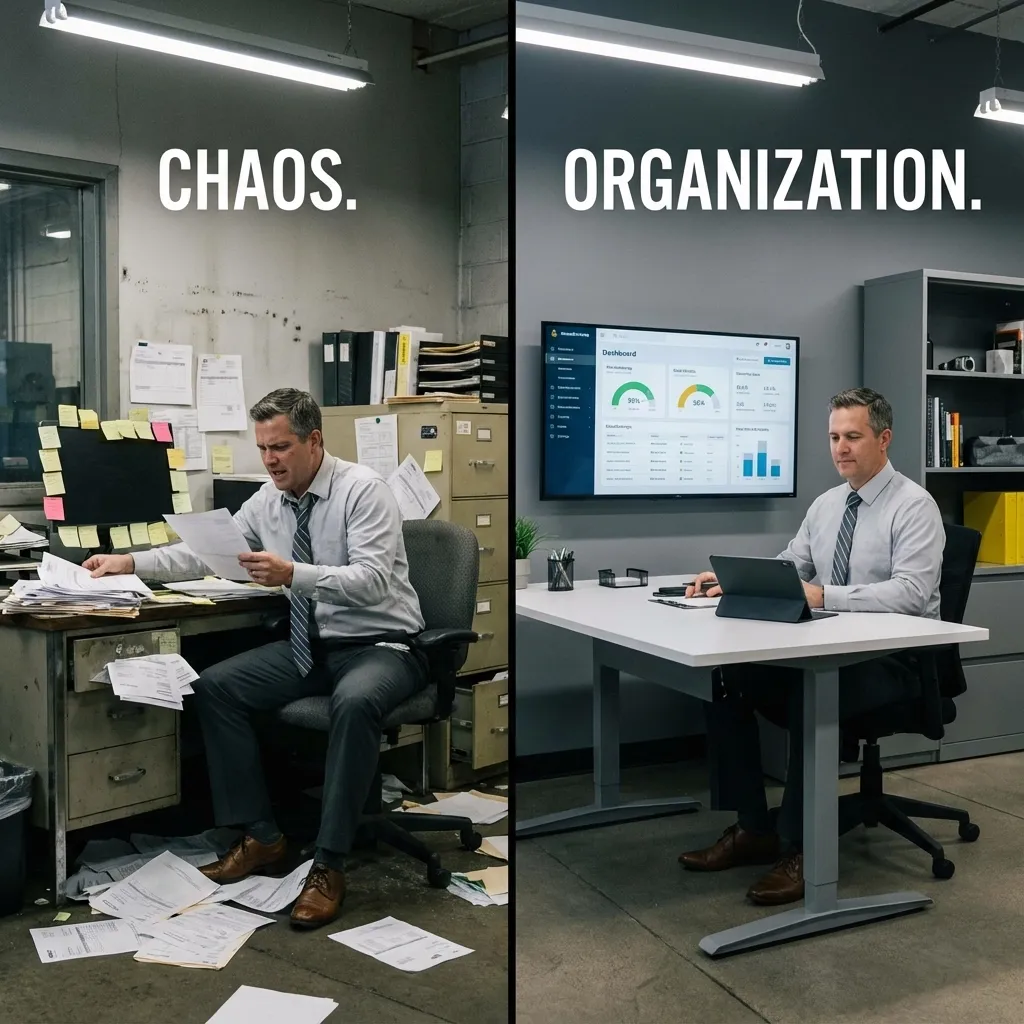
Agents do the admin. I check it. Your team sells.
Clean, build and maintain
They merge duplicates, fix fields and tags, build pipelines and workflows, and handle the weekly admin inside your CRM.
Checks every change
Every merge, workflow and import gets reviewed before it goes live. Nothing texts or emails a customer until I've tested it.
Use it
Your team works deals in a pipeline that matches how you sell. Ask for changes in our weekly meeting or by text.
Everything a CRM admin would do, on one list.
Here's where most CRM lists start. GoHighLevel, HubSpot or whichever one you already have.
☰Clean up the mess
Duplicates merged, fields fixed, tags that mean something.
▶Pipelines that match how you sell
Stages your team would actually use, not the defaults it shipped with.
↻Automations and follow-up
The follow-up that never happens by hand, set up to run.
⇄Lead routing
Every new lead lands in the right place, with the right person.
⇓Data moved in
Spreadsheets, old CRMs and other apps, brought into one place.
▦Reporting from the CRM
Simple reports built from the data your team already enters.
No new software. Just somebody finally running it.
Most owners don't need a different CRM. They need the one they already pay for to work.
The agents work inside your account as a user you add, the same way you'd add an employee. Before anyone suggests switching, we fix what you've got: the contacts, the pipeline, the forms feeding it and the follow-up that should be running.
If a switch really does make sense, moving your contacts and deals goes on the list like any other task. Nothing gets deleted from the old system until the new one has been checked.
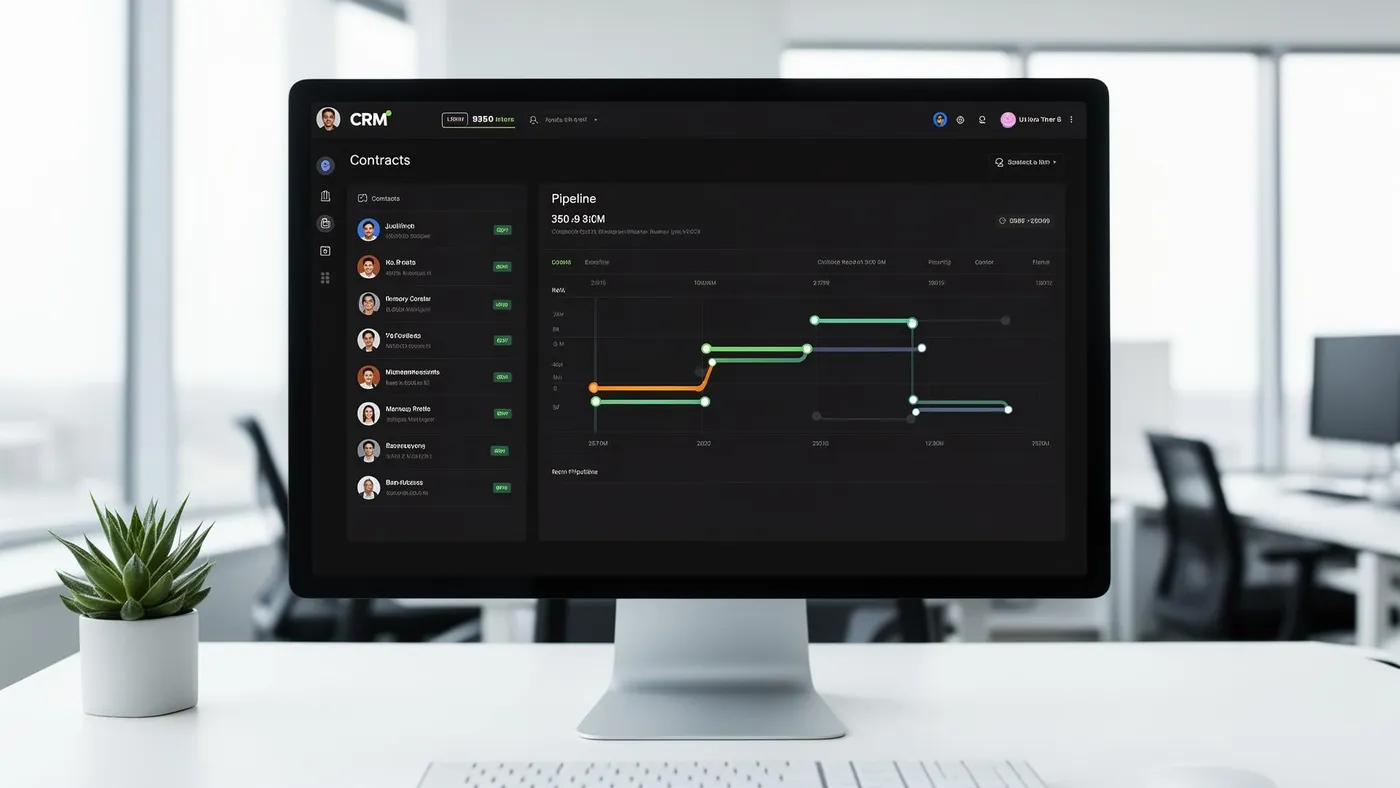
Three ways to have a CRM.
All three come with software. Only one comes with somebody keeping it running.
| Compare | The CRM you pay for and nobody updates | A CRM consultant's one-time setup | A CRM run by agents every week |
|---|---|---|---|
| Who keeps it clean | Nobody, so duplicates pile up | The consultant, until the project ends | AI agents, checked by me, every week |
| The pipeline | The default stages it came with | Built around how you sold back then | Adjusted as the way you sell changes |
| Follow-up | Whoever remembers | A few workflows, if they were in scope | Workflows built, tested and fixed as needed |
| When something breaks | You hear about it from a customer | A new quote for a new project | A task on your list that week |
| What it costs | The subscription, for software nobody uses | A project fee, then you're on your own | $499 a month, flat, with the rest of your list |
| Who owns it | You | You, if the account is in your name | You. The account, the data and every workflow |
Your CRM isn't broken. Nobody's running it.
Every week the agents work your CRM list, I check every change, and we meet to go over what's done and what's next. New leads get followed up. Duplicates stop piling up. Your team stops working around the software.
CRM work I've already done.
No client names, by policy. Here's the kind of work.
GoHighLevel
Pipelines, forms and follow-up workflows set up inside GoHighLevel for service businesses.
HubSpot
Contacts cleaned up, pipelines set up and website leads routed into HubSpot.
Your version
Your CRM, your sales steps, your follow-up. On the free call I'll tell you what I'd fix first.

Hi, I'm Alex. I've been in digital production for 16 years.
Radio, agencies, my own shop. I've built the forms, the funnels and the follow-up that feed a CRM, and I've seen what happens when nobody owns it.
Now AI agents do the clicking and building inside your CRM. My job is knowing how a small business really sells and making sure every workflow does what it should. You talk to me, not an account manager.
Quick answers.
Which CRMs do you work with?
Usually the one you already have. I've done GoHighLevel and HubSpot work for clients, and most common CRMs are built from the same parts: contacts, pipelines, fields and automations. On the free call I'll tell you if yours has limits we'd need to work around.
Do I need to switch CRMs?
Probably not. Most CRMs fail because nobody runs them, not because the software is wrong. We fix what you have first. If a switch really makes sense, I'll tell you why, and the move goes on the list.
Will a bot text my customers something weird?
Not without me checking it first. Every workflow that sends a text or email gets tested and reviewed before it goes live, and I keep an eye on it after it does.
How fast can my CRM get cleaned up?
Cleanup usually starts in week one. A small CRM can be in good shape within the first few weeks. A big, messy one gets worked in pieces, the fixes that matter most first, and the rest rolls forward.
What if it's not working for me?
Cancel any month. There's no contract and no setup fee, and you keep everything that was built.
What would you fix in your CRM if you had the time?
Book a free 30-minute call. Tell me which CRM you have and what's wrong with it. I'll tell you honestly what I'd fix first and what can wait.